
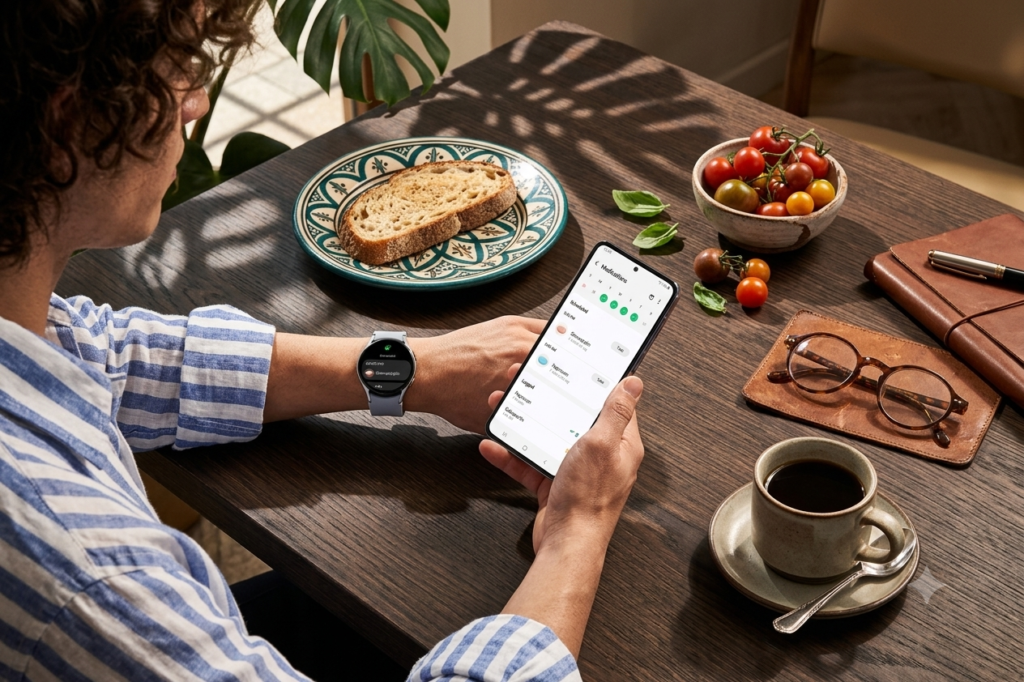
Most Galaxy owners stick to the Play Store out of pure habit and never even open the Galaxy Store sitting right there in their app drawer. That’s a bit of a shame, honestly, because Samsung’s own store has a handful of apps built specifically for Galaxy hardware — things the Play Store just can’t replicate the same way. Some make your phone noticeably faster, some unlock camera features you didn’t know existed, and a couple just make your home screen feel less like everyone else’s. Here are five that are genuinely worth your time.
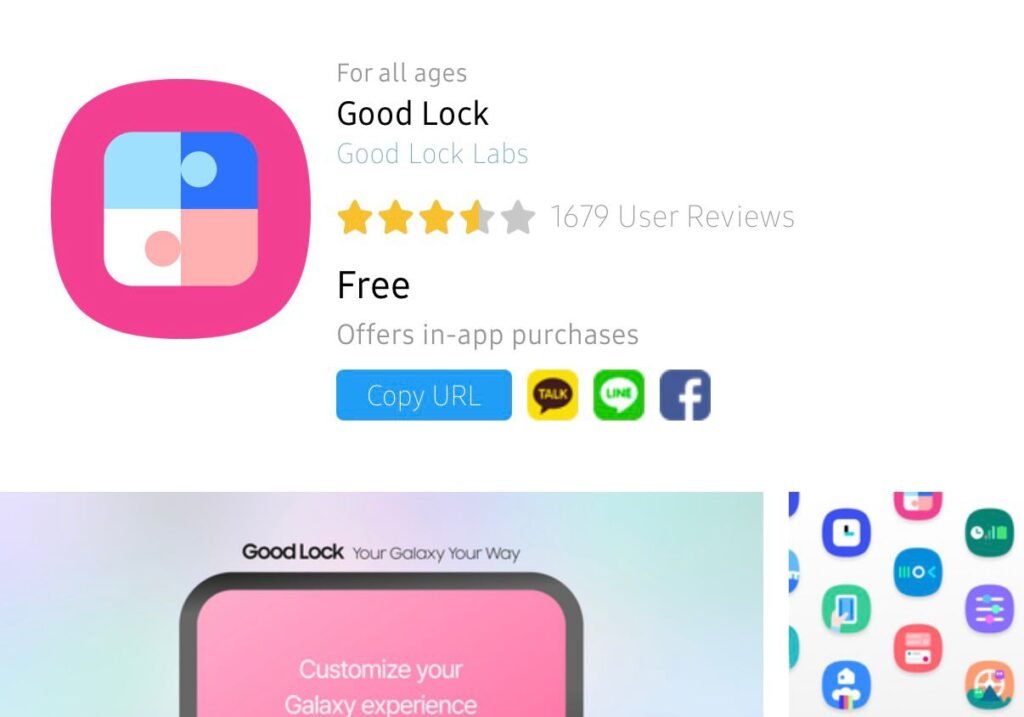
1. Good Lock
If you’ve ever wanted to customise your phone without installing some random third-party launcher, this is Samsung’s official answer. Good Lock isn’t one big app — it’s a bunch of small modules you install individually, so you only grab what you actually need.
- Home Up — resize folders, switch up your home screen layout, and even add looping between screens
- Camera Assistant — small but handy tweaks like a 2x zoom shortcut or changing what the shutter button does
- One Hand Operation+ — custom swipe gestures, useful if you’re constantly stretching your thumb across a big screen
- QuickStar — clean up and rearrange your Quick Settings panel
- Routines+ — build out more automation than Samsung’s default Modes and Routines allows
- MultiStar — smoother split-screen multitasking, plus extra cover-screen tricks if you’re on a Z Flip
2. Good Guardians
Where Good Lock is all about how your phone looks, Good Guardians is about how it runs. Same idea — small modules, pick what you need — but this time the focus is battery life and performance.
- Battery Tracker — see exactly which apps drained your battery over the last day or week, down to screen time per app
- Battery Guardian — practical fixes like auto power-saving mode at night or limiting background data for specific apps
- Galaxy App Booster — a one-tap speed fix Samsung recommends running weekly or after any update
- Thermal Guardian — shows why your phone’s overheating and which apps are hogging the CPU
- Memory Guardian — clears unused RAM in a single tap
- Media File Guardian — helps manage the clutter that banking, shopping, and social apps tend to leave behind
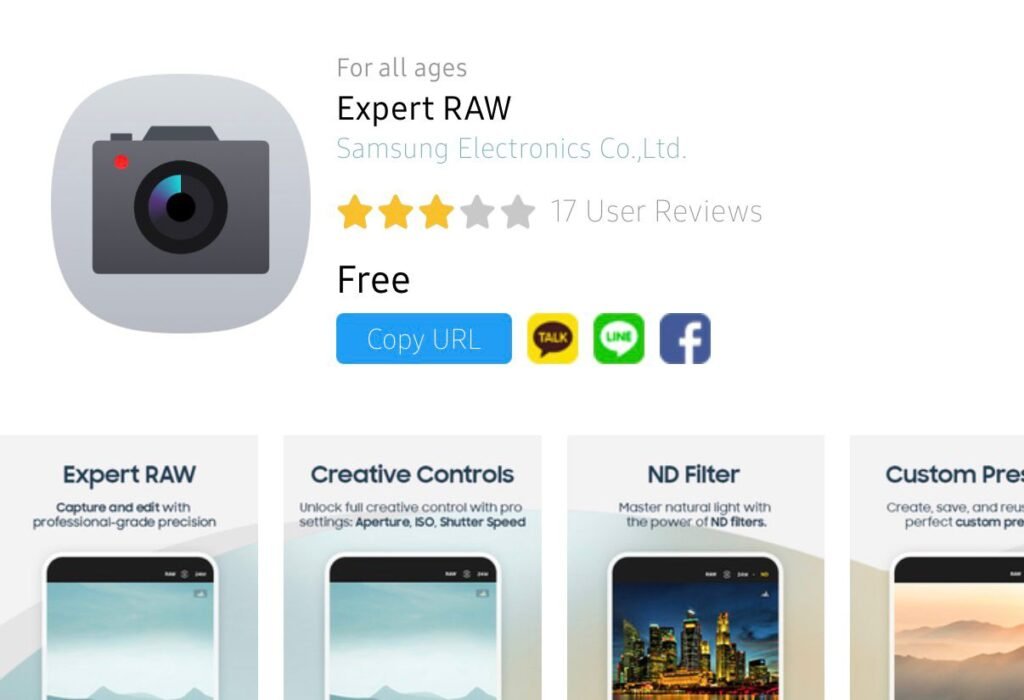
3. Expert RAW
For anyone who’s looked at their default camera app and wished for more control, this one’s the answer. It doesn’t come pre-installed — you’ll need to grab it from the Galaxy Store or the “More” tab inside your camera app — but once it’s in, it works right alongside your regular camera.
- Manual controls — adjust ISO, shutter speed, focus, and exposure before you even shoot
- RAW and JPEG support — shoot in full RAW for heavier editing later, or stick with standard JPEG
- Astrophotography and multi-exposure modes — available on select flagship models
- Flagship-only availability — not every Galaxy phone gets this app, so don’t expect it on a mid-ranger
4. Galaxy Enhance-X
Not everyone wants to fiddle with manual settings, and that’s exactly who this app is built for. It’s Samsung’s AI photo and video editor, and the whole point is one-tap improvement without needing any editing skill.
- One-tap AI enhancement — instant fixes without manual adjustment
- Shadow and reflection removal — cleans up common photo distractions automatically
- Old photo restoration — brings faded or damaged photos back to life
- Basic video tools — trim clips, mute sound, and apply built-in effects
- Extra plugins — FilmStyle, Cinematic Glow, SkyGuide, and SpeedShuffle add more creative options, though availability varies by model
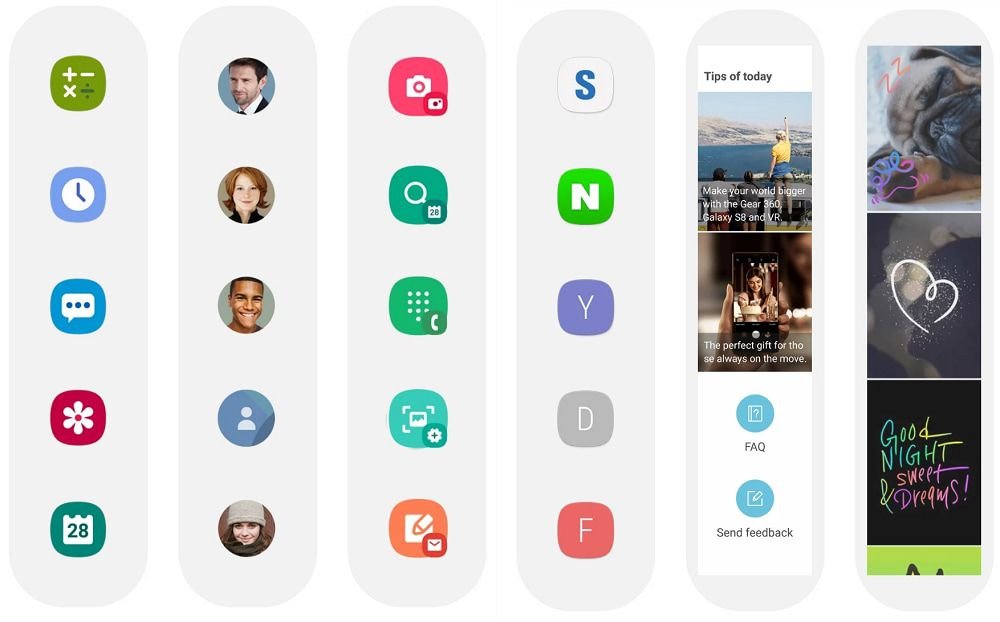
5. Edge Panel Apps
The Edge Panel has been around for years, but a lot of people forget it exists past the first week of owning their phone. It’s that quick-access sidebar along the edge of your screen, and by default it already covers the basics — app shortcuts, contacts, weather, and a clipboard.
- Calculator Panel — quick math without fully opening the calculator app
- Calendar Panel — a scrollable view of your schedule without leaving what you’re doing
- Edge QuickNotes — jot something down in seconds
- Direct Call Panel — ring a contact with a single tap
- Third-party panels — extra options from the Galaxy Store if you want something more specific to your routine
Pros and Cons of Using Galaxy Store Apps
Pros
- Deeper customization than stock Android — modules like Good Lock give control most phones simply don’t offer out of the box
- Built specifically for Galaxy hardware — since Samsung makes these in-house, they tend to run smoother than generic alternatives
- Genuinely useful performance tools — features like Battery Guardian and Galaxy App Booster can noticeably improve speed and battery life
Cons
- Not every app works on every model — features like Expert RAW’s astrophotography mode are locked to select flagships
- Modular setup takes some digging — you often have to browse into sub-modules just to find the one feature you want
- Easy to forget they exist — since these apps live outside the Play Store, plenty of users never think to check
Frequently Asked Questions
Do I need a Samsung account to use the Galaxy Store? Yes, you’ll generally need to be signed into a Samsung account to download and update apps from the Galaxy Store. Most Galaxy phones set this up automatically during initial setup, so it’s usually already in place.
Will these apps work on older Galaxy phones? Most of them will, though features can vary by model and One UI version. Apps like Expert RAW tend to stick to recent flagships, while Good Lock and Edge Panel apps work across a much wider range of devices.
Is it safe to download apps from the Galaxy Store? Yes — it’s Samsung’s own official app marketplace, not a third-party source, so it’s just as trustworthy as downloading directly from Samsung. It’s built specifically to host apps optimised for Galaxy hardware.
Conclusion
It’s easy to own a Galaxy phone for years and never once open the Galaxy Store, but that means missing out on some genuinely useful stuff. Whether it’s Good Lock giving your home screen more personality, Good Guardians keeping your battery in check, or Expert RAW turning your camera into something closer to a proper mirrorless setup, these apps exist because Samsung knows its own hardware better than anyone. Worth a look next time you’re bored scrolling through Play Store suggestions.